
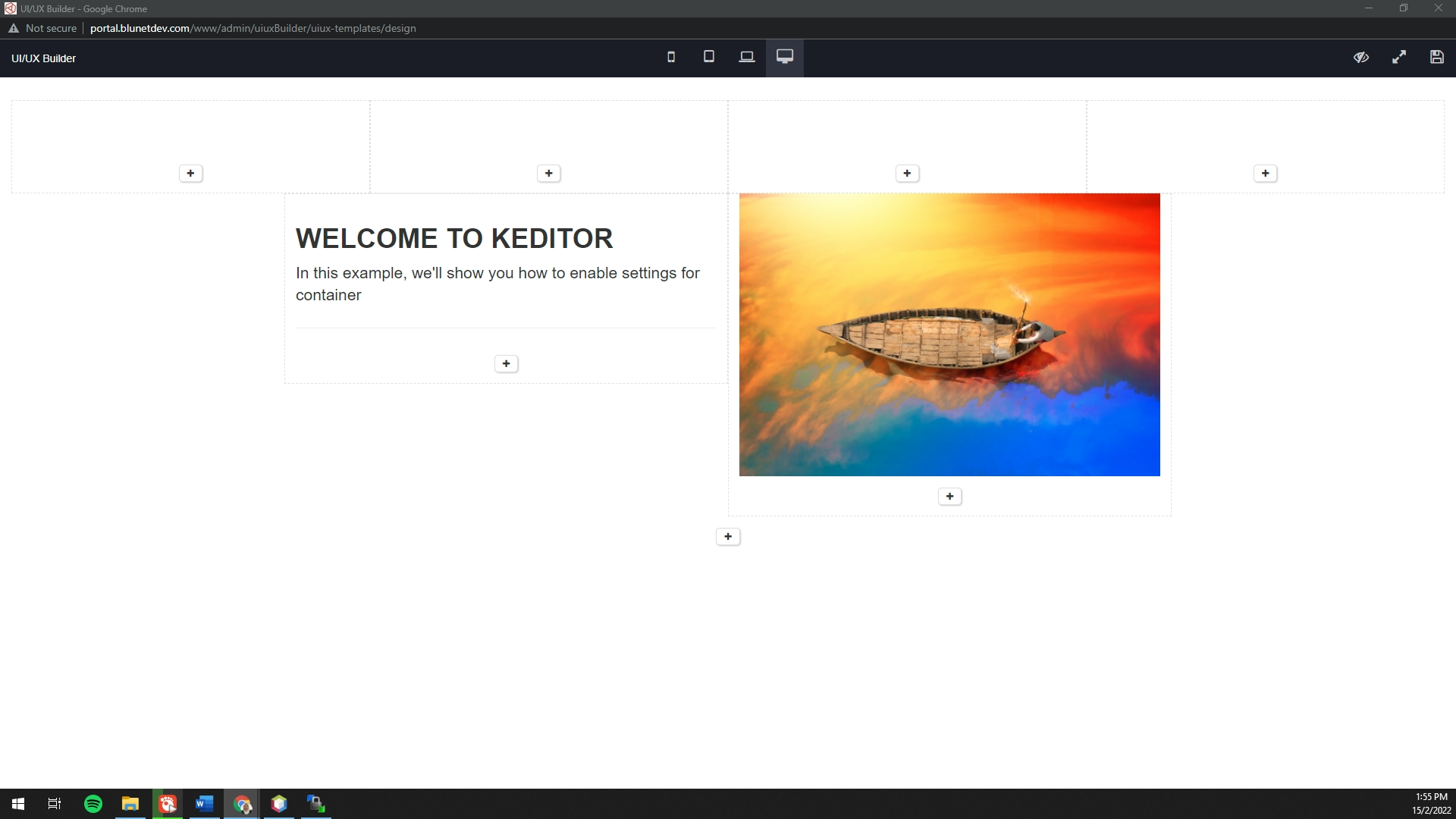
This builder is for make user easier create content based on templates provided
Steps to add button UI/UX Builder
1. Add button using this code
<button type="button" class="btn btn-primary" onclick="openbuilder()">Use UI/UX Builder</button>
2. Add below JS at the same page
<script type="text/javascript">
function openbuilder() {
var url = '/admin/uiuxBuilder/uiux-templates/design';
params = 'width=' + screen.width;
params += ', height=' + screen.height;
params += ', top=0, left=0'
params += ', fullscreen=yes';
params += ', directories=no';
params += ', location=no';
params += ', menubar=no';
params += ', resizable=no';
params += ', scrollbars=no';
params += ', status=no';
params += ', toolbar=no';
newwin = window.open(url, 'FullWindowAll', params);
if (window.focus) {
newwin.focus();
}
return false;
}
function HandlePopupResult(result) {
var editor = ace.edit('editorContent');
editor.session.setValue(result); // Sets the value into the editor
}
</script>
3. Below are several method on how to set the content from the builder into your form
To insert result from builder into Ace Editor
function HandlePopupResult(result) {
var editor = ace.edit('editorContent');
editor.session.setValue(result); // Sets the value into the editor
}
To insert result from builder into Summernote
function HandlePopupResult(result) {
$('#SUMMERNOTE_ID' ).summernote("code", result);
}
To insert result from builder into textarea
function HandlePopupResult(result) {
$('#TEXTAREA_ID' ).val (result);
}