
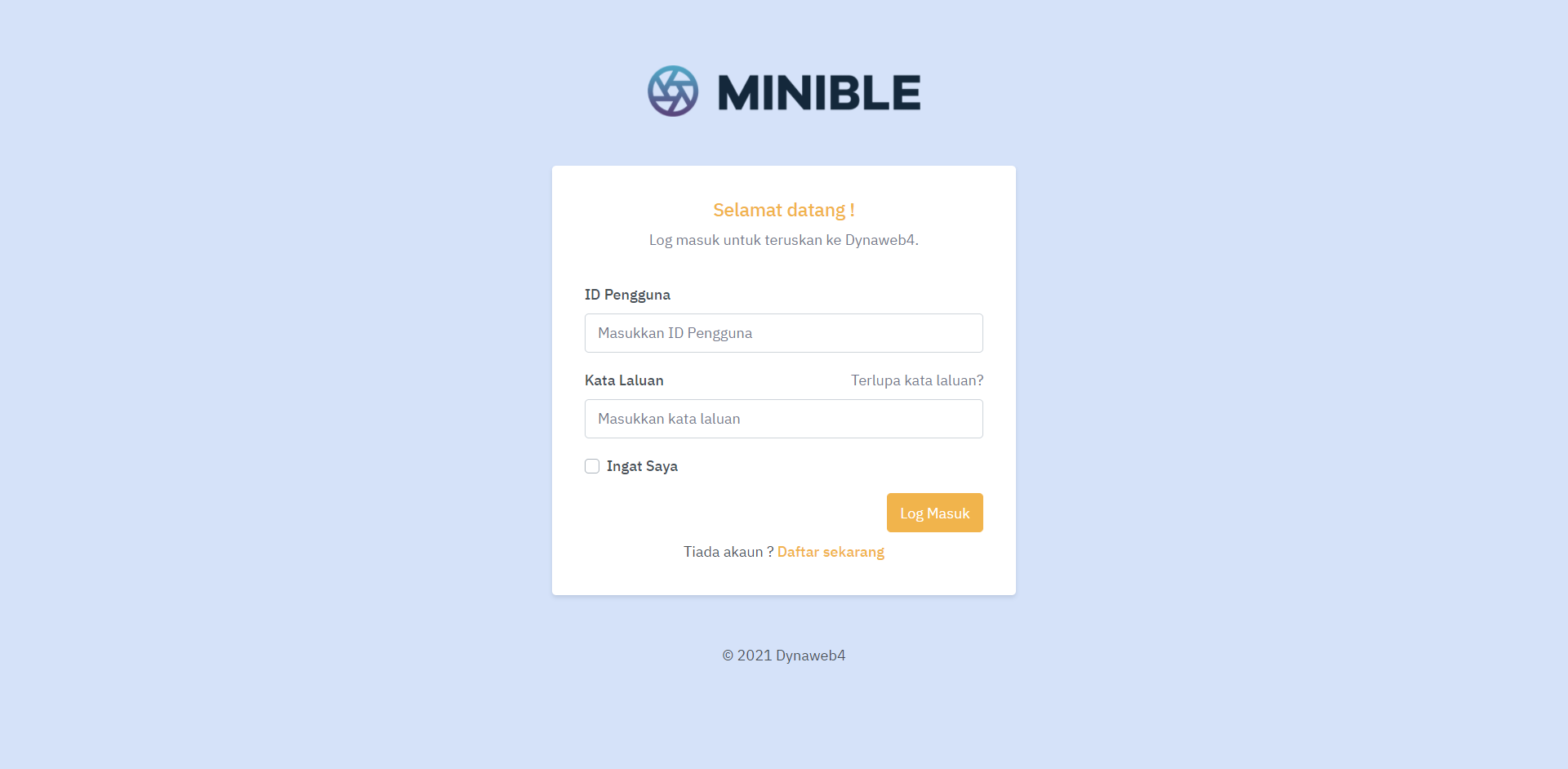
Frontend Page (Logged-In Function) have been develop for Dynaweb 4 for basic manage user profile (logged-in section) for front page such as user register, login, reset password, dashboard, view profile, update profile, change password and logout.
This module compatible for Dynaweb4 Version 1.4 (Release on 06 July 2021) and below only
1. Importing table into database
Import table inside folder database into your database. If the table already exists, please rename the current table as backup so you will not lose your current data.
2. Setting up theme assets
Copy and paste folder minible into www/assets/
3. Module frontend user
Make sure your CMS have module Frontend Users (Extended)
4. Setting email (for reset password function)
- Copy & paste file EmailModule.php into common\components\EmailModule.php
- Add this coding at common\config\main-default.php inside components array
'emailModule' => [ 'class' => 'common\components\EmailModule',],
5. Configure login session
- Update coding at file frontend\config\main.php (line 24)
'user' => [ 'identityClass' => 'common\models\FrontendUser', 'enableAutoLogin' => true, ],
- Update coding at file common\models\FrontendUser.php (line 36)
const STATUS_ACTIVE = 1;
6. Frontpage now ready to use !
To manage frontend menu go to www/admin/menu/frontend/index
To manage translation go to admin/i18n/dmg-i18n/index